
The Dictation App Landscape in 2026: Who Does What, Honestly
I've used every major dictation tool available in 2026. Here's what each does, where each falls short, and how I'd choose.
I'm not here to crown a winner. I'm here to give you the honest overview I wish existed when I was shopping. Every tool has strengths. Every tool has trade-offs. The right choice depends on what you actually need.
✓
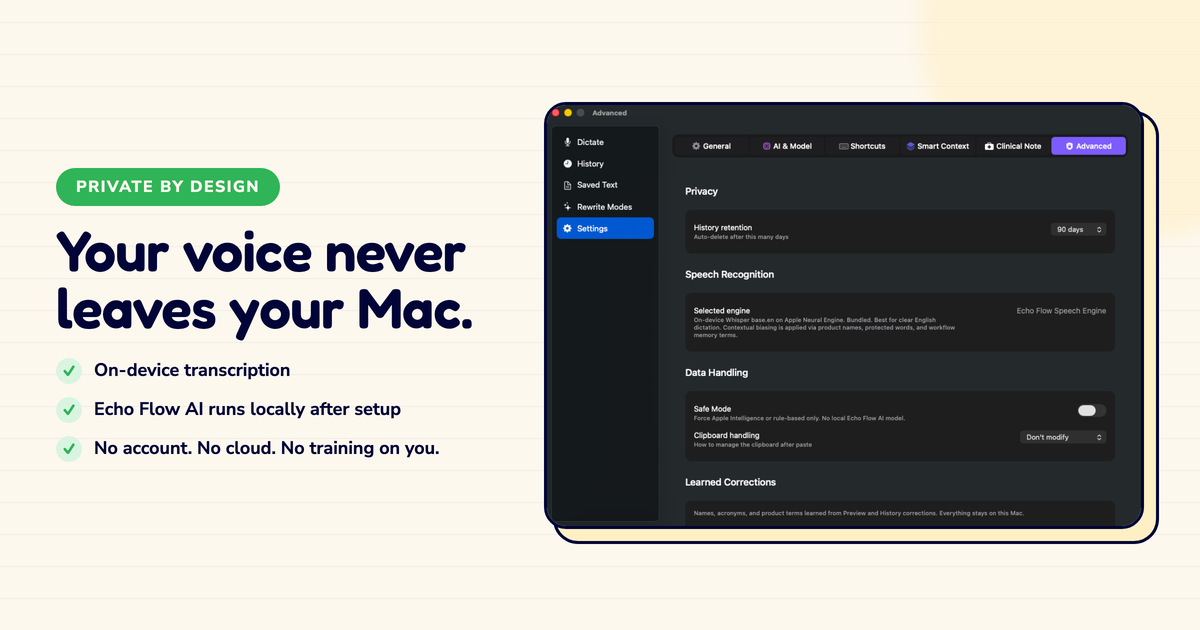
Echo Flow , Mac-native, private, one-time purchase. Best for everyday writers on Mac.
✓
Wispr Flow , Cross-platform, cloud, subscription. Best for multi-device users.
✓
Dragon , Specialized, expensive, Windows-focused. Best for medical/legal.
✓
macOS built-in , Free, basic, no polish. Best for occasional dictation.
✓
Whisper tools , Open-source, transcription only. Best for raw transcription needs.
The honest overview
Echo Flow , What it does: dictation + polish + per-app tone + in-place rewriting. What it doesn't: cross-device sync, team features, mobile. Best for: people who live on one Mac and want private, polished dictation. Price: $69-139 once.
Wispr Flow , What it does: cross-platform dictation + polish + sync. What it doesn't: local processing (cloud-based), one-time purchase (subscription). Best for: people who dictate on Mac, Windows, and phone. Price: ~$10/month.
Dragon , What it does: specialized transcription + voice commands + deep customization. What it doesn't: affordability, Mac-native experience, ease of use. Best for: medical, legal, and accessibility users who need precision. Price: $500+.
macOS built-in , What it does: free, built-in transcription. What it doesn't: polish, tone adjustment, vocabulary memory. Best for: occasional dictation when you don't care about quality. Price: free.
Whisper-based tools , What it does: excellent local transcription. What it doesn't: polish, workflow, tone adjustment. Best for: raw transcription of interviews, meetings, podcasts. Price: free.
Cloud tools
Wispr, Otter, Fathom
- Cross-device sync
- Strong polish quality
- Mobile apps
- Subscription pricing
- Your text leaves the device
- Account required
Local tools
Echo Flow, Whisper
- Nothing leaves your device
- No account required
- One-time purchase or free
- Mac only (mostly)
- No cross-device sync
- No mobile app
How I'd choose (decision framework)
I get asked "which dictation app should I use?" at least once a week. Here's my framework:
If you dictate on multiple devices: Wispr Flow. It's the only one that works well everywhere.
If you need specialized vocabulary (medical/legal): Dragon. Nothing else comes close for technical accuracy.
If you live on one Mac and want privacy: Echo Flow. Built for exactly this use case.
If you just need occasional transcription: macOS built-in. It's free and good enough.
If you need raw transcription of recordings: Whisper. Open-source and remarkably accurate.
5
Major categories of dictation tools in 2026 , each with a different job, not a different ranking
The trend I'm watching
The category is splitting into two tracks:
Track 1: Cloud + AI features. These tools compete on intelligence , better summaries, smarter polish, more features. Wispr is here. The trade-off: your text leaves the device.
Track 2: Local + privacy. These tools compete on trust , nothing leaves your device, no account, no subscription. Echo Flow is here. The trade-off: fewer cloud-powered features.
Both tracks are valid. Neither is "better." It depends on what you value: maximum intelligence or maximum privacy.
I chose privacy. That's why I built Echo Flow. But I get why someone would choose the other track.
The honest note
There's no "best" dictation app. There's only the best app for your workflow. If you dictate sensitive work on one Mac, local is the obvious choice. If you need cross-device sync, cloud is the obvious choice. Be honest about what you need, and the decision is easy.
The bottom line
The dictation landscape in 2026 has real options. Cloud tools with powerful AI. Local tools with strong privacy. Specialists for medicine and law. Generalists for everyday writing.
The right choice depends on three questions: What devices do you use? How sensitive is your writing? Do you want to subscribe or own?
Answer those, and the decision makes itself.
Find your fit , try Echo Flow free · See all comparisons · Why privacy matters
Sources
- Echo Flow: Mac-native, local, one-time purchase.
- Wispr Flow: cross-platform, cloud, subscription.
- Dragon (Nuance): specialized, expensive, Windows-focused.
- macOS built-in dictation: free, basic, no polish.
- Whisper (OpenAI): open-source, transcription-only, local.