
Comparison · 7 min read
Echo Flow vs. Whisper-Based Tools: Local Accuracy With Actual Polish
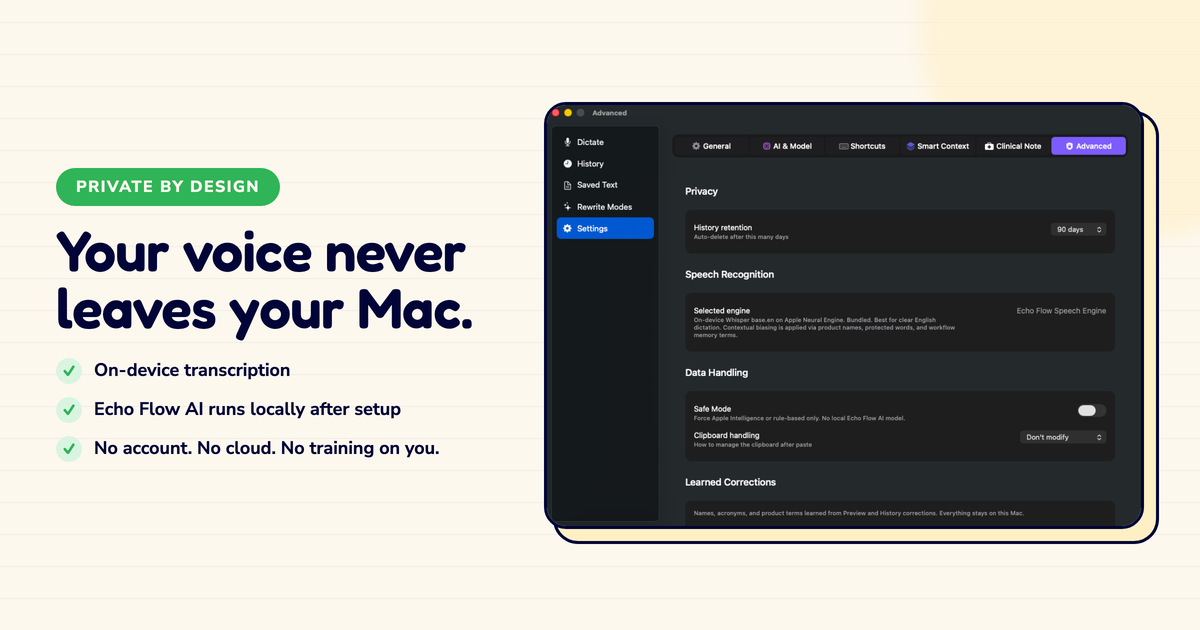
Whisper is the open-source transcription model that changed the game. I use it. I also build around it. Here's the honest comparison.
I have a lot of respect for Whisper. When OpenAI open-sourced it in 2022, it made high-quality local transcription possible for the first time. Before Whisper, "local transcription" meant "worse transcription." Whisper changed that.
But transcription isn't the whole product. Here's where Whisper stops and Echo Flow begins.
I want to be clear: Whisper is excellent at what it does. Transcription accuracy is on par with commercial APIs. It handles accents, background noise, and multiple languages better than almost anything else.
If you need raw transcription , turning audio into text , Whisper is the best open-source option. I've used it to transcribe interviews, meetings, and podcasts. It's remarkably good.
And it runs locally. No cloud, no upload, no privacy concerns. That's the part that matters to me.
Here's the thing: Whisper is a transcription model. It turns audio into text. That's it.
It doesn't polish your text. It doesn't adjust tone. It doesn't rewrite selected text. It doesn't insert snippets. It doesn't know which app you're dictating into.
I used a Whisper-based app for a month. The transcription was perfect. But I still had to edit everything. The "ums" were there. The false starts were there. The run-on sentences were there.
Whisper gave me a perfect transcript of me talking. What I wanted was a finished email.
Echo Flow uses Whisper (or Apple's speech framework) for transcription. So you get the same accuracy.
But then it adds:
Think of Whisper as the engine. Echo Flow is the car. The engine matters, but you drive the car.
If you need raw transcription , for research, journalism, archival , Whisper alone is great. It's free, open-source, and remarkably accurate.
But if you need dictation for everyday writing , emails, notes, messages, documents , transcription is only half the job. You need polish. You need tone adjustment. You need workflow.
That's what Echo Flow adds on top of Whisper.
Whisper is the best open-source transcription model available. I use it. Echo Flow uses it (or Apple's equivalent) for the transcription step.
But transcription isn't dictation. Dictation is transcription plus polish plus workflow. That's the difference.
If you want raw transcription, use Whisper. If you want to dictate finished text, use Echo Flow.
Try Echo Flow free for 14 days · How Echo Flow uses Whisper · Why transcription isn't the whole product
Sources