
AI Writing · 10 min read
Why Local AI Writing Tools Have a Different Job from Cloud AI
"AI writing" covers too much. A market-research prompt and a selected-text proofread are not the same job.
One benefits from external knowledge and broad reasoning. The other benefits from speed, privacy, and staying inside the source app. The label hides the distinction. The workflow reveals it.
I learned this by using the wrong tool for months. I'd open a cloud chatbot to proofread a single sentence. Thirty seconds of context switching for a five-second edit. Then I'd wonder why I felt exhausted after writing an email.
Cloud AI is strong for expansive tasks: competitive research, campaign ideation, long-form synthesis, multi-source analysis, and strategic drafting.
Stanford's AI Index shows how quickly AI capabilities are advancing. Pretending local utilities should replace frontier cloud systems is silly. Let the big engines do big work.
I use cloud AI every week. When I'm researching a new market, comparing frameworks, or synthesizing multiple sources, I open a chatbot. It's genuinely good at that. I just stopped using it for everything else.
Local AI is strongest when the task is small, repeated, private, and attached to existing text: polish this dictated paragraph, rewrite that selected note, preserve this customer name, turn these bullets into a summary, paste into the current field.
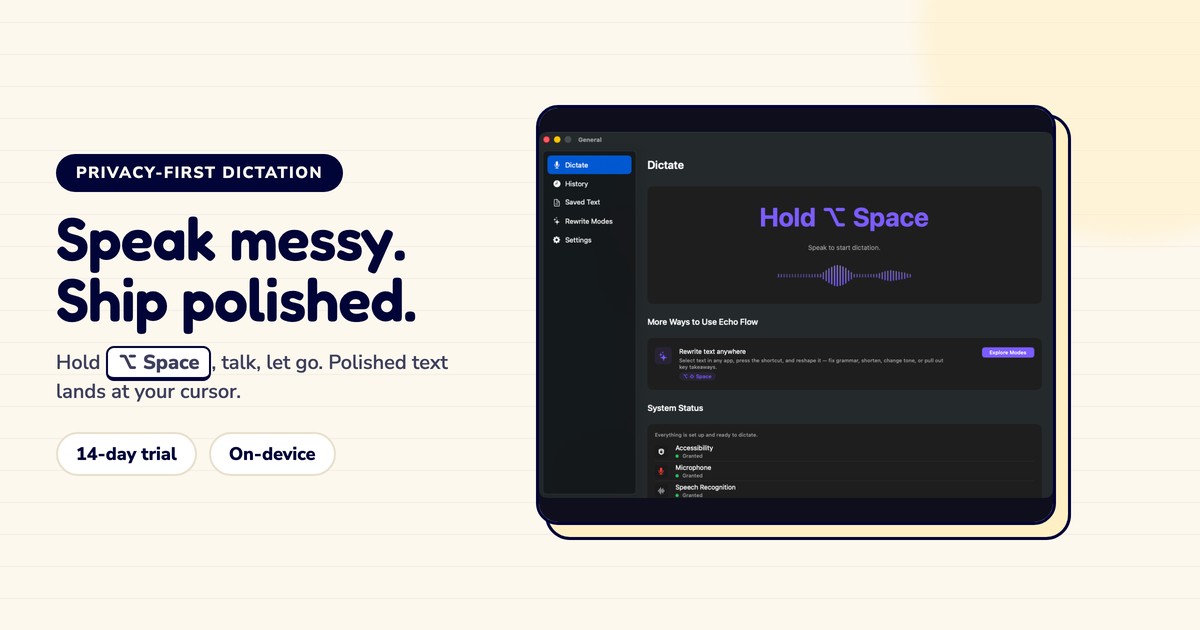
Echo Flow lives in this layer. Shortcut, dictation, local-first polish, Smart Context, snippets, selected-text rewriting. Less spectacle. More finished copy.
I timed myself. A week of using cloud AI for every edit: average 45 seconds per sentence, including context switching. A week of local AI for the same edits: average 8 seconds. The AI wasn't faster. The workflow was.
Use local tools when the text is sensitive, the edit is routine, the destination matters, or the cost of context switching is higher than the edit itself.
Use cloud tools when the task needs broad external knowledge, heavy reasoning, or deliberate exploration.
This is not fence-sitting. It is routing. Grown-up systems route work.
McKinsey's analysis of generative AI productivity identifies language work as a major AI productivity zone. Microsoft's Work Trend Index documents digital overload. IBM's Cost of a Data Breach report reminds everyone that data exposure is expensive.
Put those together and the shape is obvious: local for high-frequency private edits, cloud for intentional high-value analysis. Anything else is either fear or laziness.
I was lazy for months. I used one tool for everything. Once I started routing , local for daily edits, cloud for research , I got faster and slept better.
AI writing will become layered. OS-level local tools for everyday writing. App-native tools for domain tasks. Cloud systems for research and reasoning. Governance across the lot.
Echo Flow fits the local Mac layer because it sits close to the cursor and the microphone. Want one AI box for everything? That way lies bloat, policy confusion, and a procurement deck nobody reads.
I tried the one-box approach. It lasted two weeks. Now I route, and I'm faster for it.
Local AI and cloud AI are not rivals. They are different tools. Use cloud AI when the work needs breadth. Use local AI when the text is frequent, private, and already in front of you. The boring distinction saves time, reduces risk, and prevents the browser prompt from becoming the world's most overqualified spellchecker.
Local AI and cloud AI are not rivals. They are different tools. Use cloud AI when the work needs breadth. Use local AI when the text is frequent, private, and already in front of you.
I route my work now. Local for the daily grind, cloud for the deep thinking. It's not glamorous. It's just faster.
Try Echo Flow free for 14 days · How local polishing works · Why private dictation
Sources