
Smart Context · 7 min read
How App-Specific Tone Works, and Why Your Slack Voice Should Not Sound Like Your Email
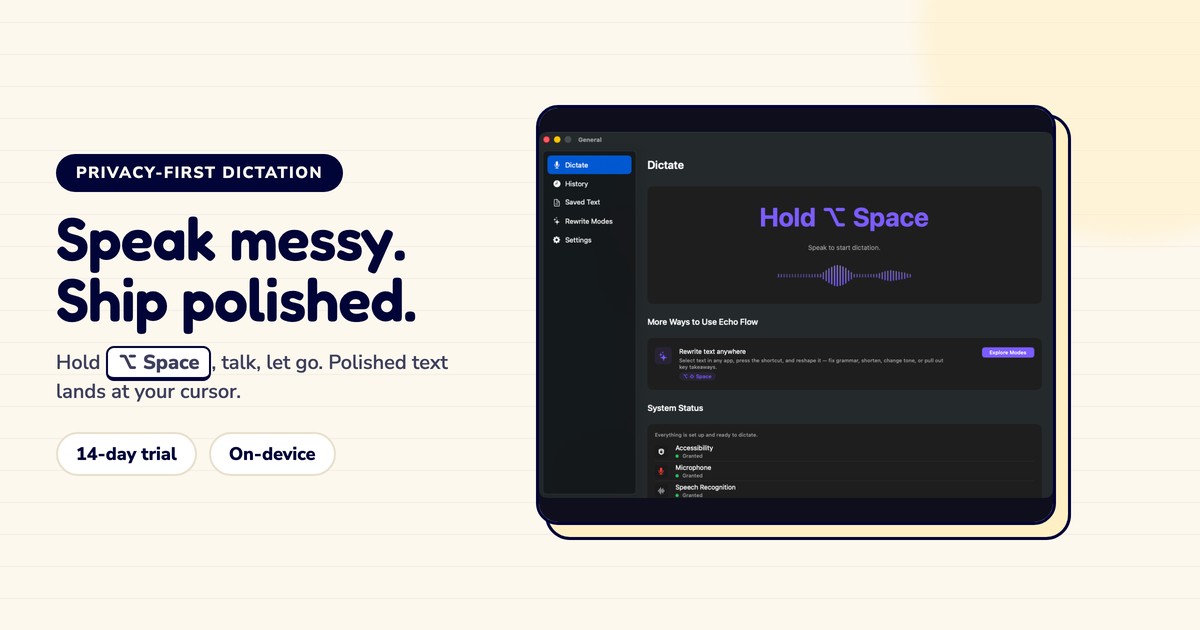
I dictate the same way everywhere. Echo Flow makes it sound right for each app.
Here's how app-specific tone works, and why it matters more than you think.
I used to edit my tone manually. Dictate something in Slack, sound casual. Open email, make it professional. Switch to Notes, make it structured. Every app required a mental shift.
Now I don't think about it. Smart Context reads the app and adjusts automatically.
Echo Flow detects which app is active when you dictate. Then it routes the polish through a tone profile:
The polish is the same engine. The profile just adjusts the output.
Here's what I noticed: tone mismatch is one of the most common dictation mistakes.
I was dictating into Slack , casual, quick, my normal voice. Then I switched to email, dictated the same kind of message, and sent it before reading. My client got "hey just checking in on this thing."
I wanted to crawl under my desk. The words were fine for Slack. For email? I sounded like I was texting my buddy.
Smart Context prevents this. It knows you're in Mail now, not Slack. It adjusts.
The defaults work for most people. But you can customize them:
I customized mine after a week. I write casual emails to close collaborators, so I overrode Mail to use a friendlier profile. But for new clients, I kept the professional default.
Smart Context is a default, not a prison. If the automatic tone isn't right, you can override it per app or per dictation. The goal is to reduce editing, not eliminate your judgment.
Your Slack voice should not sound like your email voice. But you shouldn't have to think about it.
Smart Context handles the adjustment automatically. You dictate naturally. The polish adapts to the destination.
Try Echo Flow free for 14 days · See how Smart Context works · Why context-aware dictation
Sources