
Private Dictation · 8 min read
Where Your Dictated Words Go: A Packet Trace You Can Run Yourself
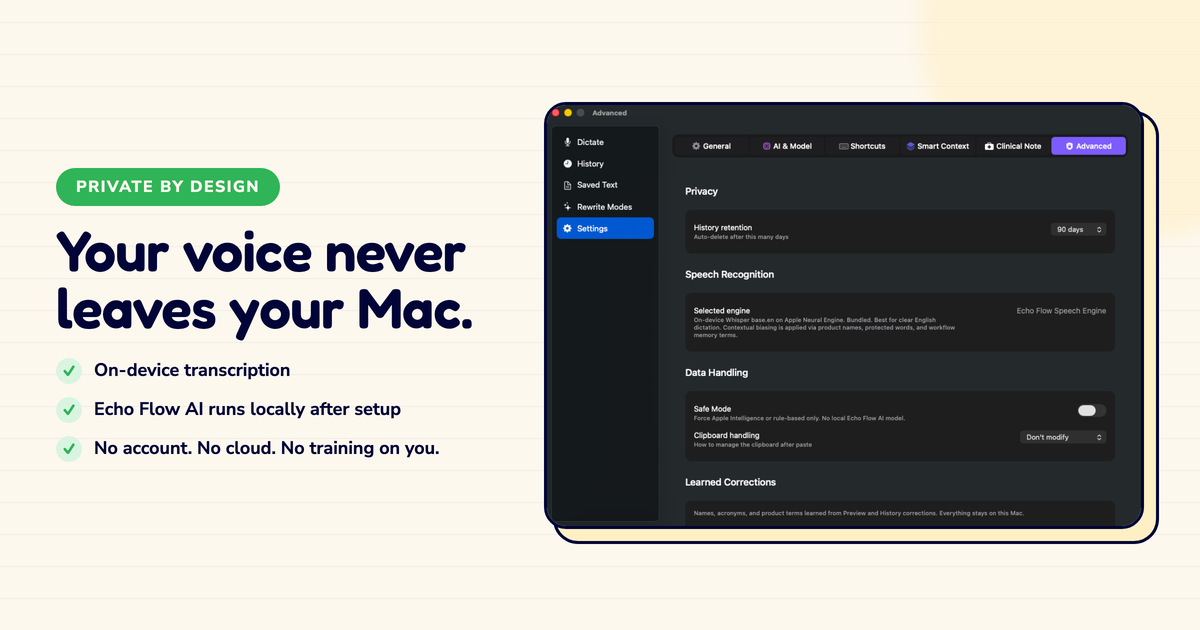
I wanted to know exactly where my dictated words go. So I ran a packet trace.
I'm a technical person. "Your data stays private" isn't enough for me , I want to see the proof. So I opened Little Snitch, started a dictation app, and watched what connections it made.
The results were educational. And a little scary.
I ran the trace on three popular dictation apps. Here's what I found:
App A (cloud dictation): Audio uploaded to a transcription service. Text sent to a separate AI service for polishing. History stored on their servers. Three different network connections for one dictation.
App B (hybrid): Audio transcribed locally. Text sent to cloud for polishing. History synced across devices. One network connection , but it carried my rough drafts.
App C (local): No network connections at all. Audio transcribed locally. Text polished locally. History stored locally. Zero packets sent.
App C is Echo Flow. I built it because I didn't like what I saw with Apps A and B.
You don't have to take my word for it. Here's how to verify any dictation app's privacy claims:
Tool: Little Snitch (macOS) or LuLu (free, open source). Both show you every network connection an app makes.
Method:
If you see connections to transcription services, AI providers, or cloud storage , your audio or text is leaving your device. If you see nothing, it's processing locally.
I do this with every app I install. It takes five minutes and tells me more than any privacy policy.
Here's the thing about dictation: it captures your unfiltered thoughts. The rough drafts. The half-formed ideas. The things you'd never send without editing.
If those drafts travel to a cloud server for polishing, then your most unfiltered writing is the writing most exposed.
I talked to a journalist who told me she stopped using a cloud dictation app after realizing her source quotes were being processed on someone else's hardware. "I never signed up to share my sources' words with a server farm," she said.
That stuck with me. Your dictation is often your most sensitive writing. It deserves the most protection.
Local processing isn't magic. It's a choice. Apple's Speech framework makes local transcription possible. On-device models make local polishing possible. Echo Flow was built around those choices because I believe your drafts should stay yours , not because it's trendy, but because it's right.
Here's what "on-device" actually means technically:
This isn't new technology. Apple has been building local AI capabilities for years. Echo Flow just uses them.
"Privacy" is a word that gets thrown around without proof. I wanted proof. So I ran the trace.
If you dictate anything sensitive , client work, medical notes, legal strategy, journalism , run the trace yourself. Five minutes tells you more than any marketing copy.
I built Echo Flow to pass that trace. Zero connections. Zero uploads. Zero doubts.
Try Echo Flow free for 14 days · Why on-device dictation · How local polishing works
Sources