
Troubleshooting · 5 min read
A 30-Second Diagnostic When Your Dictation App Goes Quiet
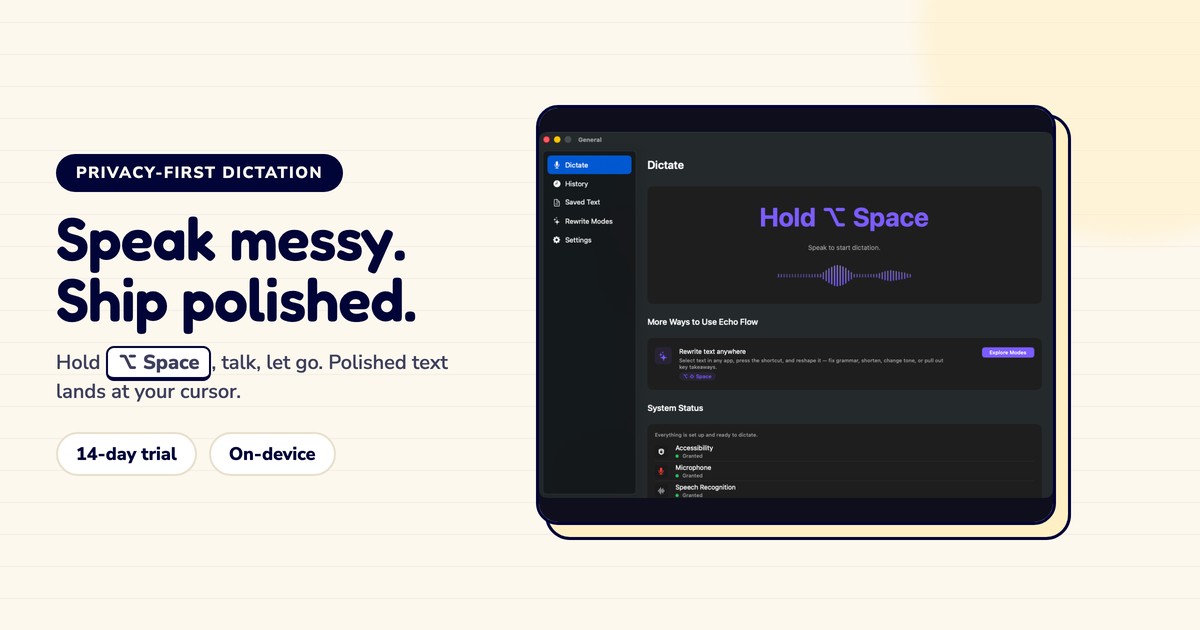
Dictation stopped working? Run this 30-second check before opening a support ticket.
I've helped a dozen people debug their dictation. 90% of the time, it's one of four things. Here's the 30-second diagnostic that fixes them.
I used to open support tickets for every dictation issue. Then I learned the pattern: it's almost always the same four problems.
Now I run this 30-second check first. It fixes 90% of issues without a ticket.
Step 1: Is the mic working? (10 seconds) Open Voice Memos or any audio app. Record five seconds. Play it back.
Step 2: Is speech recognition ready? (10 seconds) Check System Settings → Privacy & Security → Speech Recognition. Is your app enabled?
Step 3: Can the app paste? (5 seconds) Dictate something. Does the text land in your app, or does it stay in the dictation window?
Step 4: Is the destination app compatible? (5 seconds) Try pasting into TextEdit or Notes. Does it work there?
Mic not working: Go to System Settings → Privacy & Security → Microphone. Enable your app. If it's already enabled, check your input device , you might have an external mic selected that's not plugged in.
Speech recognition not ready: Enable it in System Settings. Wait 30 seconds. The local model takes a moment to load, especially after an update.
Can't paste: Go to System Settings → Privacy & Security → Accessibility. Enable your app. This is the most common fix , and the most commonly missed.
Destination app incompatible: Some apps (especially Electron apps and secure fields) block paste. Dictate into TextEdit first, then copy to the destination.
Sometimes the fix is simpler: restart the app.
I've had dictation stop working because the app's audio session got stuck. Quit the app, reopen it, works again. No settings changed, no permissions toggled. Just a restart.
If the diagnostic doesn't find the issue, try restarting before opening a ticket.
Dictation breaks at seams, not in a single magical AI blob. Audio, recognition, permissions, and paste each have their own failure modes. This diagnostic follows the pipeline: mic → recognition → paste → destination. That order fixes things fastest.
Before you open a support ticket, run the 30-second diagnostic. Mic, recognition, paste, destination. Four checks, 30 seconds, 90% fix rate.
I run this every time something breaks. It has never failed me.
Try Echo Flow free for 14 days · Full troubleshooting guide · Why permissions matter
Sources