
Smart Context · 7 min read
Why Dictation Needs to Know Where the Text Is Going, Not Just What You Said
Most dictation tools focus on accuracy: did they get the words right? But there's a second question: did the words land right for where they're going?
I learned this principle the hard way. I dictated a message that was perfect for Slack and sent it to a client. The words were right. The destination was wrong.
That's when I realized: dictation needs to know where the text is going, not just what you said.
Most tools optimize for one dimension: accuracy. Did the transcription match what I said?
But there's a second dimension: appropriateness. Did the output fit the destination?
I tested this. I dictated the same sentence into five different apps using a popular dictation tool. Identical output every time. Four of the five were wrong for their destination.
The tool got the words right. But it didn't know where the text was going.
Here's the principle: the same words can be appropriate, awkward, risky, or useless depending on where they land.
"hey just checking in on this thing" is perfect for Slack. Awkward for email. Risky for a client proposal. Useless in a code comment.
The words haven't changed. The destination has. And the destination changes everything.
I talked to a therapist who told me she stopped using a dictation app because it produced the same tone everywhere. "My session notes and my casual reminders came out sounding the same," she said. "That's not just unhelpful , it's a privacy concern."
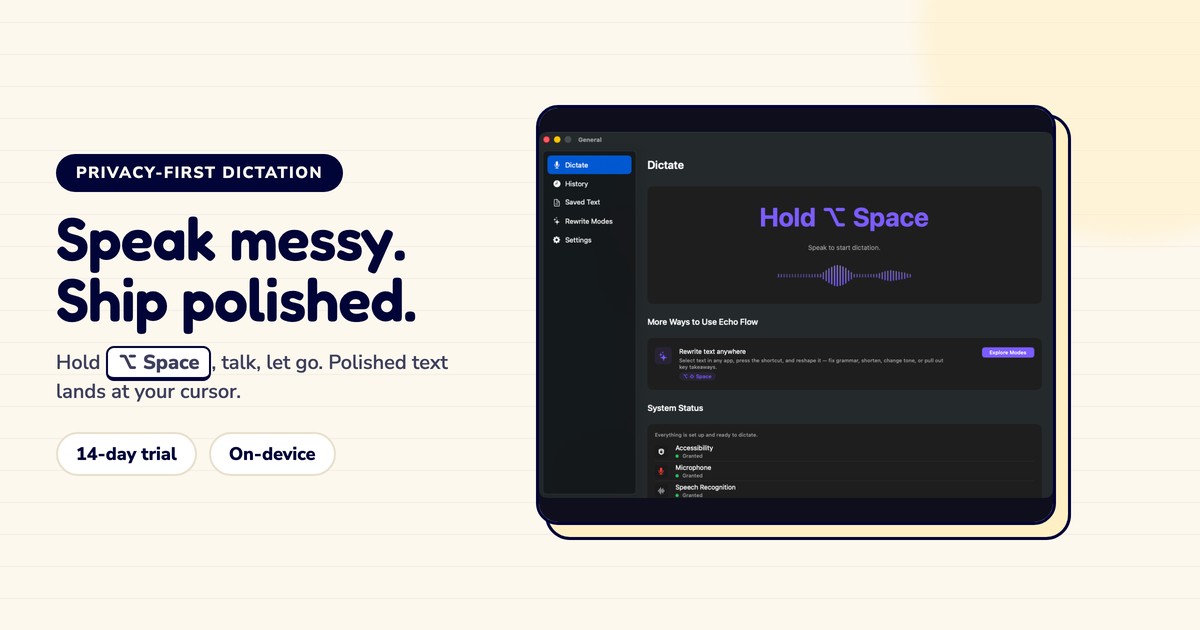
Echo Flow's Smart Context reads the active app and adjusts the polish accordingly. It's not mind reading , it's category detection.
The polish engine is the same. The profile changes based on destination.
Here's how I think about it now:
Before dictating: I don't think about tone. I just dictate naturally.
During dictation: Smart Context reads the app and selects a tone profile.
After dictation: I review the output. If the tone is right, I send. If not, I override.
The key insight: I don't have to think about tone anymore. The app thinks about it for me.
Destination-aware dictation isn't about restricting your voice. It's about adapting your voice to the context. You still sound like you , just the version of you that fits the destination.
Accuracy isn't enough. Good dictation needs to know where the text is going, not just what you said.
The same words should land differently in email and chat and notes. That's not a limitation , it's respect for the destination.
Try Echo Flow free for 14 days · See how Smart Context works · Why context-aware dictation
Sources