
Use Cases · 8 min read
Dictating Clinical Notes: A Therapist, a SOAP Note, and One Line to Fix
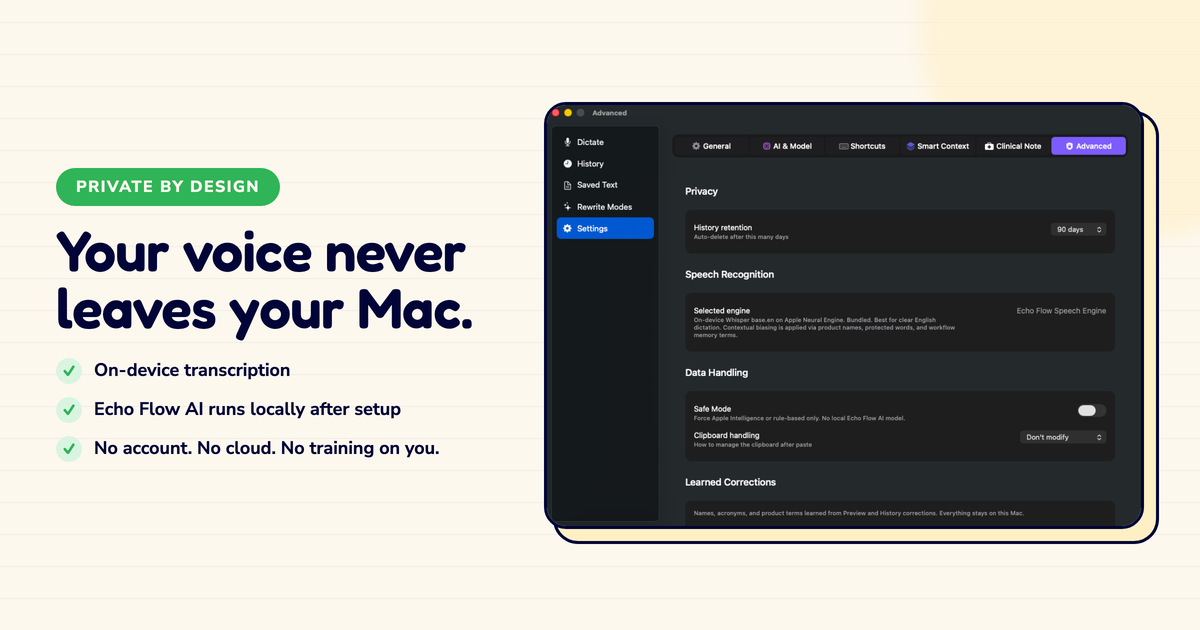
I talked to a therapist who dictates session notes. Here's what she learned , and why privacy isn't optional in clinical work.
I was researching dictation workflows when I met Will, a therapist in Portland. He'd been using a cloud dictation app for six months. He loved the speed. He hated the privacy implications.
"I realized my session notes were being processed on someone else's hardware," he said. "I never signed up to share my clients' words with a server farm."
He switched to a local dictation tool the next week. Here's what I learned from his experience.
Will's workflow is simple:
The whole process takes 3-4 minutes. Before dictation, it took 10-15 minutes of typing.
"I was spending more time typing than reflecting on the session," he said. "Dictation gave me that time back."
Here's what changed Will's mind about cloud dictation:
"I dictated a session note that included a client's trauma history. And I realized: that text went to a server. Someone processed it. Maybe it was automated, maybe it wasn't. But my client's most vulnerable words left my control."
That's the core issue with cloud dictation in clinical work. Your clients' words , their most sensitive, most private words , leave your device.
For some clinicians, that's an acceptable trade for the convenience. For Will, it wasn't.
"I'm not a privacy absolutist," he said. "But session notes are different. My clients trust me with their words. I can't outsource that trust to a server."
Will has a rule: every dictated note gets one line of manual review before filing.
He reads the Assessment section , the most clinically significant part , and checks for three things:
"One line of review catches 95% of issues," he said. "The other 5% I catch in supervision. But that one line is non-negotiable."
Dictation can speed up clinical notes significantly. But if you're in a regulated field , therapy, medicine, law, finance , check your data policies before using cloud dictation. Your clients' words deserve the same protection as any other sensitive data.
Dictation works for clinical notes. It saves time and lets clinicians focus on reflection instead of typing.
But privacy matters more than convenience in clinical work. If your clients' words leave your device, you need to be comfortable with where they go , and who might see them.
Will switched to local dictation. His notes are still fast. His clients' words stay his.
Try Echo Flow free for 14 days · Why private dictation · How the Personal Dictionary works
Sources