
Setup · 6 min read
Why Your Dictation App Needs Screen Context, and What That Permission Does
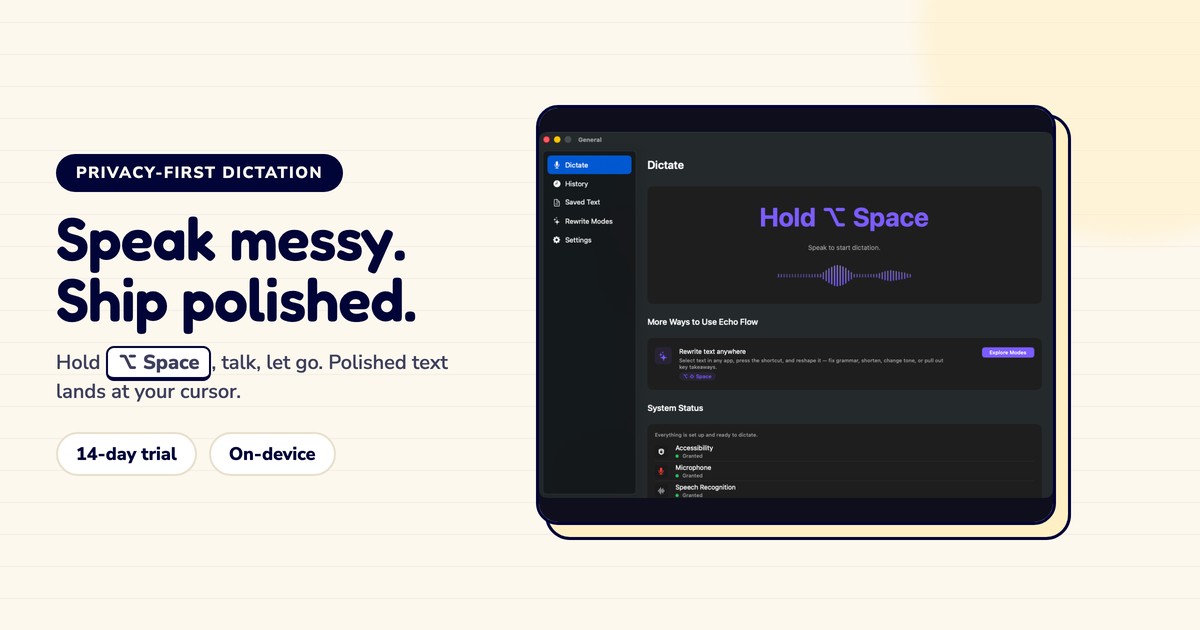
"Screen recording permission" sounds scary. Here's why a dictation app might need it , and what it actually does.
I installed a dictation app that asked for screen recording permission. My first reaction: "Why does a dictation app need to record my screen?"
The answer is more reasonable than it sounds. Here's the explanation I wish they'd given upfront.
Here's the problem: when you dictate, the app needs to know where the text should land.
If you're in Mail, it should land in the email. If you're in Slack, it should land in the message field. If you're in Notes, it should land in the note.
To know where to put the text, the app needs to know which app you're in. And to know which app you're in, it needs to observe the frontmost application.
That's what screen context is for: detecting which app is active so the text lands in the right place.
Here's what screen context does NOT do:
It does not record your screen. The app isn't capturing screenshots or recording video. It's reading which app is active , a single piece of data, not a video stream.
It does not see your content. It doesn't read what's on your screen. It just knows which app is frontmost.
It does not track your activity. It's not logging what you do or when you do it. It's just detecting the active app at the moment of dictation.
I verified this with Little Snitch. Zero network connections. The screen context stays local.
Some dictation apps use accessibility APIs instead of screen recording. The job is the same: detect the active app.
Accessibility APIs are actually more appropriate for this task. They're designed for apps to interact with other apps , like pasting text where your cursor is.
Echo Flow uses accessibility APIs, not screen recording. The permission request says "detect the frontmost application" , not "record your screen."
When a dictation app asks for screen-related permissions, ask:
What exactly does this permission do? "Detect the frontmost app" is reasonable. "Record your screen" is not.
Is the data leaving my device? It shouldn't be. App detection is a local operation.
Is there an alternative? Accessibility APIs can do the same job without the scary name.
Screen context is a legitimate need for dictation apps. But it should be implemented with the least invasive method possible , accessibility APIs, not screen recording. And the permission request should explain the job clearly.
Screen context isn't about recording your screen. It's about knowing which app you're in so the text lands in the right place.
If an app asks for screen recording, ask why. If it uses accessibility APIs instead, that's the right tool for the job.
Try Echo Flow free for 14 days · Setup and permissions · Why permissions matter
Sources