
What Happens to Your Echo Flow If the Company Disappears
The scariest question about buying software: what if the company goes away? Here's the honest answer.
I've been on the losing end of this. I bought a writing tool I loved. Company shut down six months later. The app stopped working. I lost access to my notes, my workflows, my investment.
That experience shaped how I built Echo Flow. Here's the honest answer to the question nobody wants to ask.
The short answer
If I disappear tomorrow, your Echo Flow keeps working. Forever.
No license server. No phone home. No kill switch. The app runs on your Mac, on your hardware, under your control.
I built it this way on purpose. Because I've been the person who lost access to a tool I depended on. And I never want you to be that person.
0
License servers, phone-home checks, or kill switches , Echo Flow keeps working if I disappear
Why this matters
Here's what happens with most software when the company disappears:
Cloud-dependent tools: Stop working immediately. Your data is on their servers. If the servers go down, you lose everything.
License server tools: Stop working eventually. The app phones home to verify your license. If the server goes down, the app locks you out.
Subscription tools: You lose access the moment you stop paying. If the company shuts down, your subscription ends.
Echo Flow is none of these. It's a local app that runs on your Mac. No cloud dependency. No license server. No subscription to lapse.
The technical reality
Here's what "no license server" means technically:
- Activation is one-time. When you buy Echo Flow, it activates locally. No server call required.
- No phone home. The app doesn't check a server to verify your license. It can't , there's no server to check.
- No kill switch. I can't remotely deactivate your copy. There's no mechanism for it.
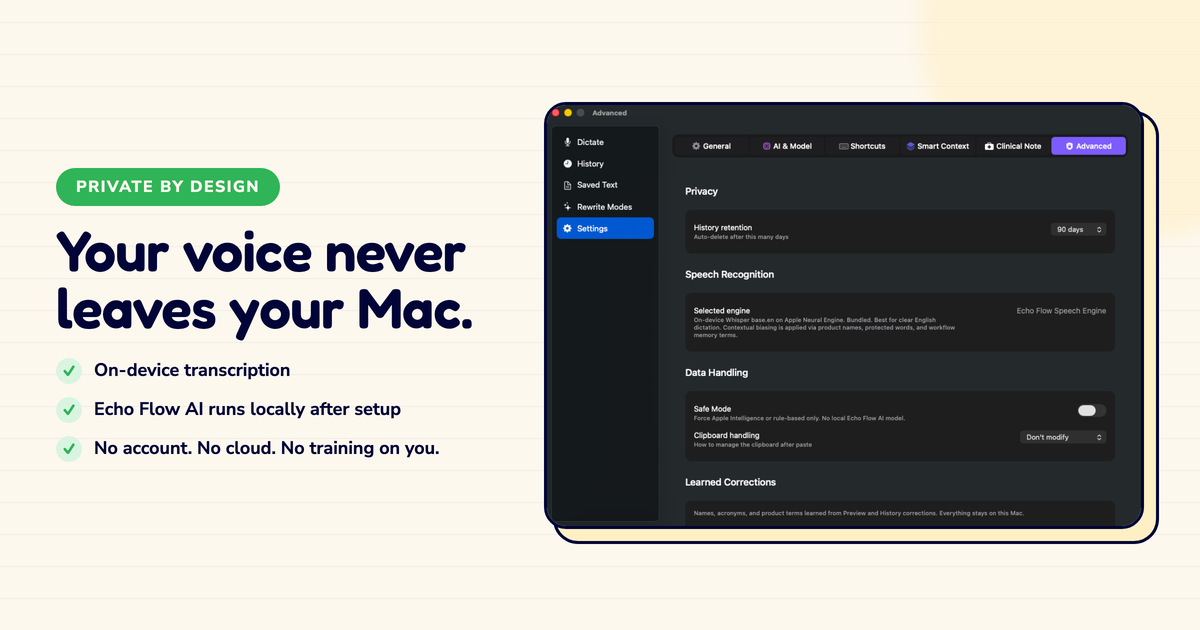
I verified this with Little Snitch. Echo Flow makes zero network connections after activation. It's a local app, period.
Cloud-dependent tools
Risky if company disappears
- Data on their servers
- License server can go down
- Kill switch can activate
- You lose everything
Echo Flow
Keeps working, guaranteed
- Data on your Mac
- No license server
- No kill switch
- You keep everything
The honest risk
Here's the honest risk: if I disappear, you won't get updates.
No new features. No bug fixes. No compatibility updates for new macOS versions. The app keeps working, but it doesn't evolve.
That's the trade-off with local software. You get permanence, but you don't get continuous improvement.
I think that's the right trade. A tool that keeps working forever is better than a tool that's amazing for six months and then disappears.
But I want to be honest about the trade-off.
The honest note
If you need continuous updates, cloud features, or a company with a long track record, Echo Flow might not be the right choice. But if you want a tool that keeps working no matter what happens to me, that's what I built.
The bottom line
I've lost access to tools I depended on. I built Echo Flow so you never have to.
No license server. No phone home. No kill switch. If I disappear, your Echo Flow keeps working. Forever.
That's not marketing. That's architecture.
Get Echo Flow lifetime license · Why one-time purchase · Why private dictation
Sources
- Echo Flow architecture: local app, no license server, no phone home.
- Writer's own experience: losing access to a tool.
- Echo Flow license terms: one-time activation, no ongoing server dependency.